
Finding american accent training software that gives clear feedback without expensive subscriptions remains difficult for intermediate and advanced learners. Many require premium plans for detailed coaching, limit access behind paywalls, or lack real-time pronunciation feedback. This comparison highlights pricing, feature depth, live feedback, and offline options so learners can choose software that matches daily practice needs and budgets.
Table of Contents
- InPronunci: AI American Accent Training App
- Phonicly.ai
- Syranto
- ELSA Speak
- Comparison of alternatives
InPronunci: AI American Accent Training App
At a Glance
24 consonant videos, 15 vowel videos, and more than 30 sound combination simulators sit at the heart of the app. The materials show tongue, lip, jaw, and airflow motion to make sound formation visually explicit. The approach targets intermediate and advanced learners who need precise practice for professional speech.
Core Features
The app uses 2D Sound Motion Technology to visualize how each American sound is produced so you can match mouth movements to target sounds. An AI Accent Coach gives real-time feedback on pronunciation, stress, and intonation while the app stores unlimited voice recordings for comparison. Lessons include phonetic exercises plus sentence and paragraph practice, and the curriculum offers personalized coaching levels for intermediate and advanced learners.
Key Differentiator
The single most distinct capability is the proprietary 2D visual simulators that act like a visual X-ray of speech organs. Those simulators show precise tongue placement, lip rounding, jaw height, and airflow patterns for each consonant and vowel. That concrete focus on physical mechanics separates the app from audio-only practice tools.
Pros
Visual feedback clarifies how to position speech organs so you can stop guessing and practice exact movements. Combining AI analysis with human-guided instructions speeds problem spotting and keeps practice focused on muscle memory. The course addresses connected speech, stress, rhythm, and intonation, which makes it useful for meetings, interviews, presentations, and everyday professional conversations.
Cons
- Personalized coaching and access to the full feature set require a Premium plan.
Who It’s For
Professionals, ESL speakers, and global executives who already work at an intermediate or advanced level will benefit most. Learners who need clearer pronunciation for presentations, leadership calls, or client meetings find the visual approach especially helpful. People who prefer daily, focused drills and coach-like guidance will get more from the app than from casual mobile practice.
Unique Value Proposition
Seeing exact mouth shapes while you speak reduces guesswork and shortens the trial-and-error phase of pronunciation practice. The visual simulators plus in-app feedback let you convert phonetic instructions into repeatable muscle patterns during short daily drills. That workflow makes each practice session directly applicable to real speaking tasks.
Real World Use Case
A multinational manager used daily visual drills to fix a few recurring vowel errors that caused miscommunication in virtual meetings. The manager recorded sentences, reviewed AI feedback, and matched mouth-motion videos to problem sounds. After consistent practice, their meeting clarity improved and participants reported fewer follow-up questions.
Pricing
A free onboarding chapter gives access to Chapter 1 so you learn basic speech-organ positioning at no cost. The Basic Plan provides self-study access with AI feedback and human-guided instructions. The Premium Plan adds monthly one-on-one sessions with a Ph.D. accent coach and the full set of personalized tools.
Website: https://inpronunci.com
Phonicly.ai
At a Glance
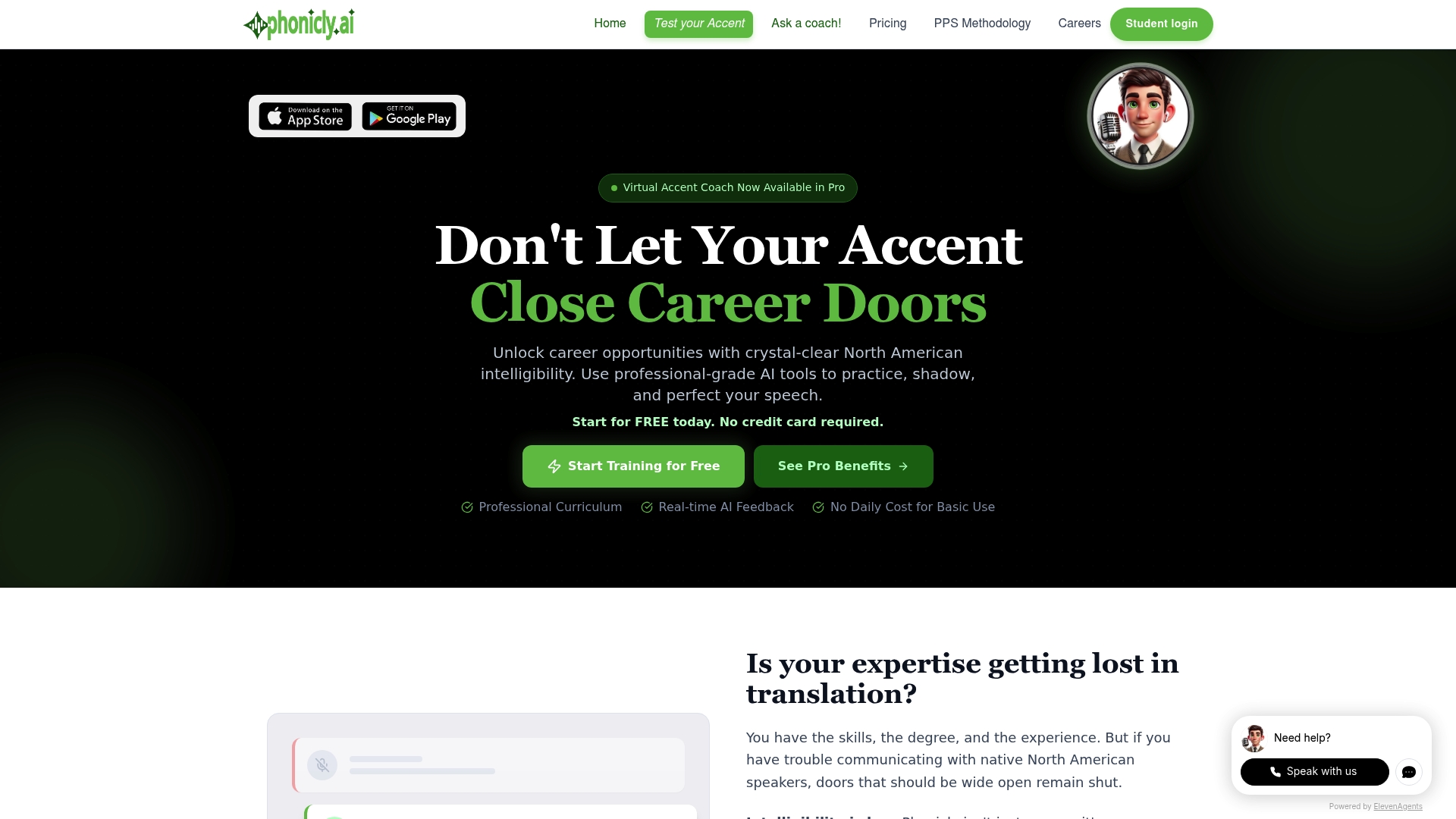
A Pro plan at $5/month gives unlimited training access. The platform combines AI assisted live coaching with industry focused vocabulary practice. Daily shadowing and a virtual coach adapt exercises to your performance.
Core Features
Phonicly.ai pairs AI assisted live coaching with real time feedback so you can correct sounds as you speak. The system offers daily shadowing exercises with instant AI evaluation and customized practice that focuses on industry vocabulary. An Advanced Virtual Coach tracks cumulative scores and personalizes drills while you train.
Key Differentiator
Phonicly.ai centers its workflow on proprietary AI technology that provides personalized feedback during shadowing and live sessions. That focus aims to make practice highly targeted for pronunciation, stress, rhythm, and connected speech. The platform leans more toward performance tracking and automated adaptation than traditional lesson libraries, which narrows its appeal to practice oriented learners and workplaces.
Pros
Phonicly.ai combines accessible pricing and continuous practice. The vendor lists a Pro plan at $5/month and an Expert coaching tier for deeper support. The platform supports flexible, around the clock practice and includes industry specific vocabulary drills for professional use. According to the company, short daily practice with the tools can improve speaking accuracy noticeably over time. The system suits both self learners and enterprise teams seeking standardized training.
Cons
- Limited detail on exactly which speech features the AI targets. The vendor does not list a full feature map for phonetic elements.
- The platform’s results depend heavily on consistent daily practice. Buyer reviews emphasize steady engagement for best outcomes.
- No stated integrations with other language learning systems. That may complicate workflows that need single sign on or LMS reporting.
- Advanced capabilities require paid tiers. Core features are gated behind subscription upgrades.
When It May Not Fit
If you rarely practice, this product will underdeliver because the tools rely on daily engagement. Learners needing offline access will find limited options, since compatibility and offline features are not detailed. Teams requiring deep LMS integration or detailed phonetic reports may need a different solution that offers those exact integrations and export formats.
Who It’s For
Non native professionals who need clearer North American English for presentations, meetings, or interviews will benefit most. Language learners who prefer guided practice with immediate feedback will find the format useful. Organizations that want affordable, scalable training for many employees will also find the pricing attractive.
Real World Use Case
A non native business professional runs daily shadowing drills before a major presentation. The virtual coach highlights recurring stress and linking errors and adjusts exercises accordingly. That focused rehearsal increases clarity and speaking confidence ahead of the event.
Pricing
The platform offers free basic access for initial practice. The Pro plan costs $5/month and includes unlimited training. Expert coaching is available at $40/month for more guided support and one on one sessions.
Website: https://phonicly.ai
Syranto
At a Glance
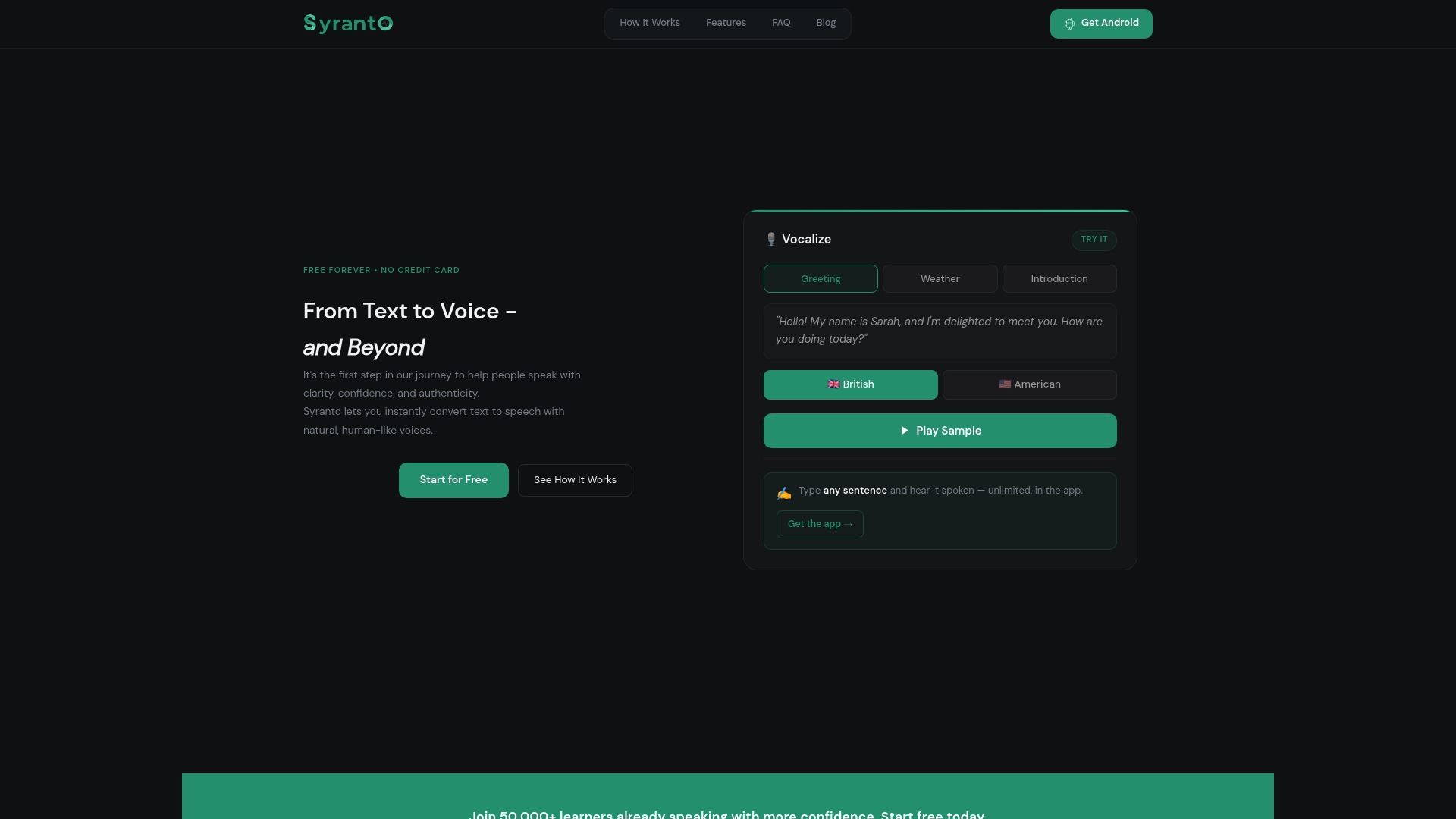
Syranto offers a completely free mobile app that keeps core pronunciation tools unlocked. The app focuses on training the ear and practicing natural speech in American or British accents. That combination makes it easy to practice daily listening and repetition without a paywall.
Core Features
Syranto converts text to natural-sounding speech in both American and British accents and pairs that with ear training exercises. It includes repetition and recording tools for deliberate practice, plus vocabulary features such as Word of the Day, flashcards, and word games to expand active recall. The app also provides personalized feedback aimed at accent shaping and speaking confidence.
Key Differentiator
Syranto blends linguistic principles with practice tools in a free, accessible mobile app. The vendor positions this mix as science backed and feedback driven, which makes listening training a central piece of practice rather than a bonus feature. That emphasis on hearing and repeating sets Syranto apart from simpler repeat after me apps.
Pros
Syranto gives learners full access to its core tools without payment, which lowers the barrier to consistent pronunciation practice. The mobile app supports offline practice of saved audio, so you can replay training materials when you do not have a connection. The feature set covers both phonetic listening exercises and vocabulary building, and the dual accent support helps learners target either American or British pronunciation.
Cons
- Limited scope: focused on pronunciation and accent shaping, not full grammar or general language courses.
- Internet dependence: speech generation requires a connection, so live text-to-speech is unavailable offline.
- Coaching depth: advanced personalized coaching options are not clearly listed and may require external tools.
When It May Not Fit
Syranto is not the right pick if you need a full English course that teaches grammar, writing, or reading strategies. If you require live, human coaching sessions or guided phonetic assessment, this app may fall short of that level of personalized instruction. Learners who need always-on offline synthesis will find the app restrictive because text-to-speech works only when connected.
Who It’s For
This app fits English learners and professionals who want to sharpen clarity and confidence through listening and repetition. It suits people preparing for presentations, interviews, or public speaking who need frequent, low-cost practice. Teachers can use the app for short pronunciation drills or vocabulary warmups during lessons.
Real World Use Case
A presenter records sections of a slide script and plays the app’s native-accent speech for reference. They listen to the model, record themselves, and compare waveforms to notice stress and rhythm differences. Repeating this sequence across sessions helps them deliver a clearer, more confident presentation voice.
Website: https://accentize.app
ELSA Speak
At a Glance
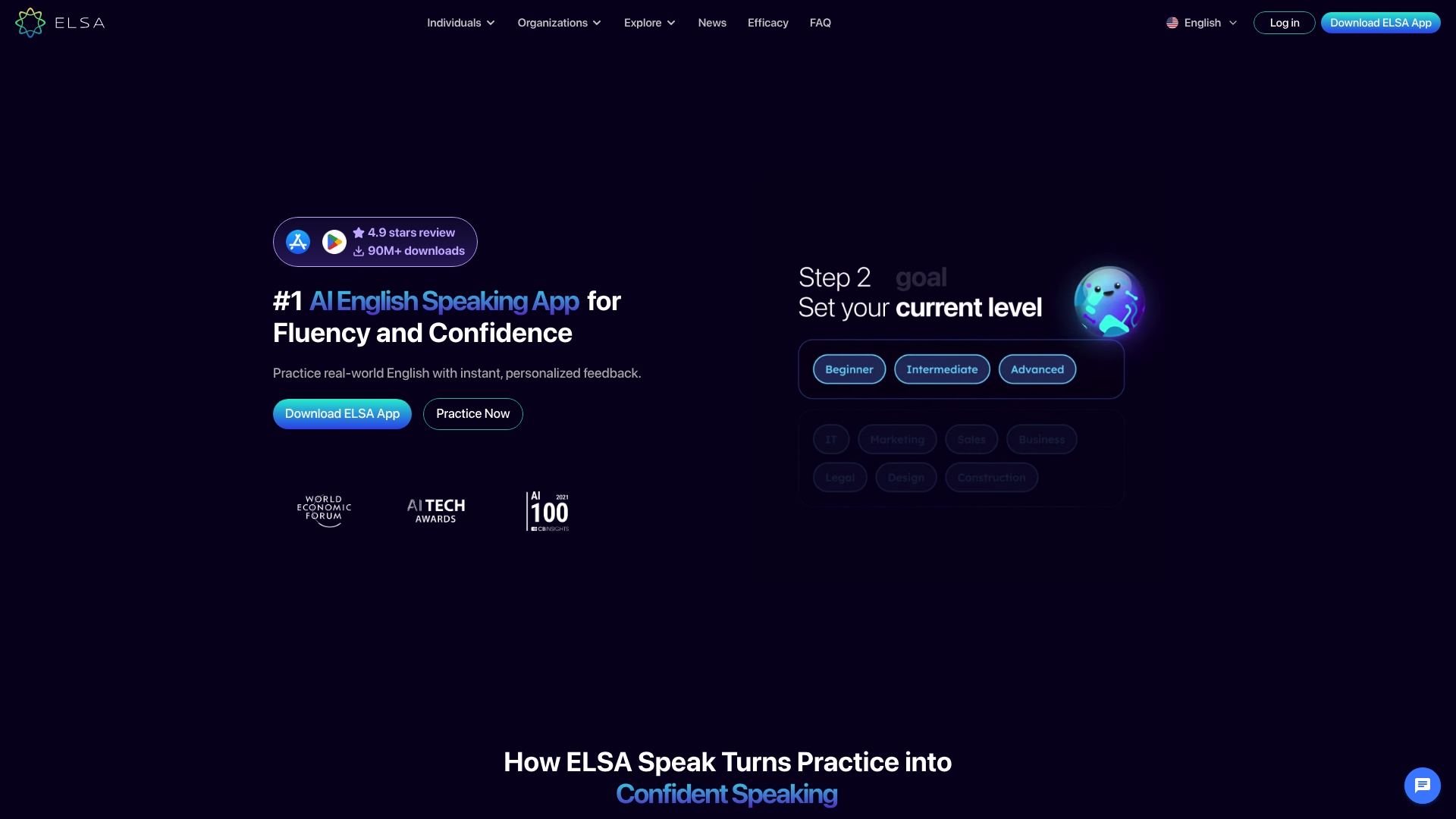
ELSA reports millions of downloads and high user ratings. Its focus is on pronunciation, fluency, and real-world speaking practice. The app targets learners, businesses, and schools that need practical speaking skills for job interviews and meetings.
Core Features
ELSA delivers AI driven personalized lessons that adapt to your pronunciation errors and progress. The app includes interactive role plays for realistic conversational practice and support for multiple accents, including American, British, and Australian. It also provides progress tracking, performance analysis, and a bilingual AI tutor for Premium members.
Key Differentiator
ELSA pairs real-time, AI feedback with scenario based practice so you can correct mistakes as you speak. That combination helps you transfer sound work into functional conversations and professional situations. The product emphasizes speaking outcomes rather than isolated drills.
Pros
Personalization makes practice feel focused to your exact pronunciation gaps, and role plays simulate real conversations for interviews and client calls. The app reports wide adoption and strong ratings, and that figure supports its reputation for reliable practice. It also scales from individual learners to organizations and schools.
Cons
- Consistent daily practice is required to see measurable improvement for many learners.
- Premium features require a subscription, which may be costly for some users.
- Performance depends on device and internet connection, causing occasional lag or inaccurate feedback.
When It May Not Fit
If you cannot keep a regular practice schedule, the app will not deliver the best results. If you need offline access, ELSA will feel limiting because AI features require an internet connection. Organizations with tight budgets may find the subscription model difficult to justify.
Who It’s For
This app fits non native English speakers who want targeted speaking practice and clear progress metrics. It suits professionals preparing for interviews, presentations, and client meetings. Schools and businesses that need scalable speaking training will also find it useful.
Real World Use Case
A multinational company uses ELSA to train employees for client meetings and presentations. Employees practice role plays tailored to client scenarios and receive instant feedback on pronunciation and fluency. The company reports improved communication and clearer client interactions after regular use.
Pricing
ELSA offers a free tier for basic access and onboarding practice. Premium plans start at approximately $13.33 per month for full course access and the bilingual AI tutor. Business and education plans are custom priced to match organizational needs.
Website: https://elsaspeak.com
Comparison of alternatives
Leveraging its advanced 2D Sound Motion Technology, InPronunci provides guidance in visualizing speech production.
Visual Since Simulation Capabilities
InPronunci stands out for its 2D Sound Motion Technology, which is tailored for intermediate and advanced learners to master the physical articulatory mechanics involved in speech. Syranto, on the other hand, focuses on auditory and repetition techniques, where users can refine their accent clarity through frequent auditory comparisons.
Accessible Pricing Tiers
When it comes to pricing, Syranto offers a free version that allows learners to practice without any upfront financial commitment. This contrasts with Phonicly.ai, which provides a $5/month tier dedicated to inclusive features tailored to performance tracking learners, making it best for those desiring precise progress monitoring without overspending.
Best fit
- Mechanical articulation visualization through InPronunci benefits professionals refining speech precision for meetings or presentations.
- Affordable AI coaching and feedback in Phonicly.ai fits self-learners looking for budget-friendly progress tracking.
- Syranto’s free access supports casual learners or teachers wanting basic tools without upfront commitment.
- ELSA Speak’s organizational tiers suit teams needing scalable, multi-user solutions tailored to enterprise needs.
Our pick
For learners aiming to refine their speech production with precision, InPronunci’s distinct visual simulators make it the preferred choice. Its emphasis on detailed articulation visualization using AI feedback advances pronunciation learning efficiently. However, learners with minimal practice time or those needing budget-conscious flexibility might find Syranto’s free model a better match.
Here is a comparison of alternative tools, highlighting their unique features and user target focus.
| Product | Key Feature | Best For | Pricing | Limitation |
|---|---|---|---|---|
| Inpronunci | Visual 2D sound motion simulators | Professionals and advanced learners | Free Chapter 1, Premium Plan available | Personalized coaching requires Premium Plan |
| Phonicly.ai | AI-assisted live individual coaching | Self-learners and non-native professionals | $5/month Pro Plan, $40/month Expert Coaching | Advanced features gated behind paid tiers |
| Syranto | Ear training with American/British support | Daily listeners for accent refinement | Free | Internet required for dynamic text-to-speech |
| ELSA Speak | Bilingual AI driven interactive lessons | Non-native speakers in business contexts | Free tier, Premium $13.33/month | Regular practice is essential for its efficiency |
How to Find the Right Alternative to AccurateEnglish.com for Clearer American Pronunciation
Choosing a solution that offers clear guidance and precise feedback makes a real difference for intermediate and advanced English learners. Many struggle with guesswork and limited feedback when using popular platforms. InPronunci addresses these issues by combining Interactive 2D Sound Video Mouth-Training Simulators, an AI Accent Coach that gives real-time pronunciation feedback, and human-guided instructions that work like a real accent coach.
With InPronunci, you can:
- Practice American vowels, consonants, stress, rhythm, and connected speech with clear visual aids
- Get immediate AI feedback to correct mistakes as you speak
- Follow structured lessons designed by professional linguists
- Access personalized 1-on-1 coaching sessions with a Ph.D. accent coach in the Premium plan
Explore more about our American Accent Training App and find out how you can start with our Free Chapter 1 to “Get to Know Your Speech Organs.” Visit InPronunci today and begin your focused daily practice for clearer, more confident communication.
FAQ
What makes InPronunci the best choice for American accent training?
InPronunci offers interactive 2D Sound Video Simulators that clarify how to produce American sounds accurately. This visual technology eliminates guesswork and enhances muscle memory for precise pronunciation. Start your training with the Free Chapter 1, “Get to Know Your Speech Organs,” to see immediate benefits.
How does ELSA’s role play feature compare to InPronunci’s coaching approach?
ELSA provides interactive role plays for realistic conversational practice, which can help learners simulate real-life scenarios effectively. In contrast, InPronunci focuses on detailed anatomy visuals and AI Accent Coach feedback, making it ideal for learners seeking a strong foundation in sound formation. Consider what your primary goals are in accent training to choose the best fit for you.
Can I expect personalized feedback with InPronunci?
Yes, InPronunci gives real-time feedback from its AI Accent Coach on pronunciation, stress, and intonation as you speak. This feature allows for immediate adjustments, enhancing the learning experience significantly as you practice.
Is there a cost associated with accessing all features of InPronunci?
Yes, full access requires a subscription to the Premium plan, which includes advanced coaching. However, you can start training with the Basic Plan, which offers valuable self-study resources and AI feedback at a lower cost.
What is the primary audience that benefits from InPronunci?
InPronunci is designed specifically for intermediate and advanced learners who need targeted practice for professional speech. If you’re aiming for clarity in business meetings or presentations, this software provides the focused training you need.
Recommended
- Top 5 Accent Coach Apps to Master American English 2026
- Beyond Repetition: Choosing the Best American Accent Training App in 2026
- English Accent Test: A Strategic Diagnostic for Professional Clarity
- Compare Accent Training Apps: Why InPronunci is the Strategic Choice for 2026
InPronunci training structure
How InPronunci trains the American speech system
InPronunci trains the full American speech system: Interactive 2D Sound Video Simulators and phonetic exercises for articulation and American sound development, sentence practice for intonation, melody, rhythm, and connected speech, paragraph practice for spontaneous speech, public speaking, and real communication confidence, and Advanced AI Accent Coach evaluation as you speak.
InPronunci is a newer, advanced, and linguistically structured American accent training platform with more than 1,000 downloads and a growing learner base. It is designed for serious learners who want clearer American pronunciation, stronger intonation, more natural rhythm, better connected speech, and the ability to speak English more confidently in real communication. The program is especially useful for intermediate and advanced English speakers who want to become independent speakers of English with confident communication, stronger speaking control, long-term speech improvement, and great public speaking skills. It is also designed for advanced speakers whose goal is to speak like a native or closer to native-like American speech, including people who were raised in the United States but still have slight accent patterns from the native language they were born with.